Ttukttak · iPhone · Android

Open anything,change it in a snap.

Open the file you got, pick the result you want, done. View, convert and edit Hangul, PDF, Office, photos and video in one app.

The stores may still show the former name, Pyeobom. Document editing and scanning arrive with the Ttukttak update. The app’s screens are in Korean for now.

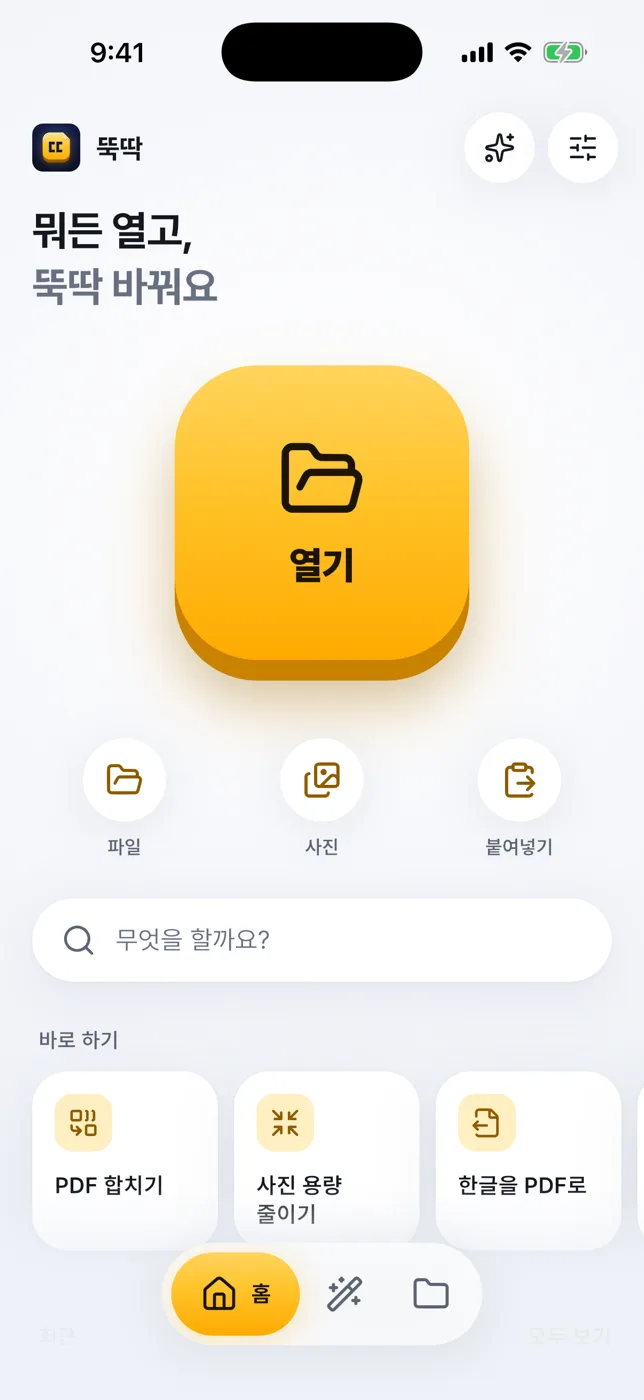
One button, doneAuto demo · tap to try
HWP
PDF

An illustration of what the app does.

40+
things to do with files
72
quick tools
20
unit types
0
documents sent to servers

What it does

View, convert,edit and scan.

Opens all kinds of files

Open anything you receive from a messenger, mail or your files. The right viewer appears for each type.

  • Korean Hangul files (HWP, HWPX) laid out page by page, with tables, images and footnotes
  • PDF, images, video, audio, text, code, Word, sheets and slides
  • Look inside archives; send unknown types to another app
Opens all kinds of files

Give it a file, it suggests what to do

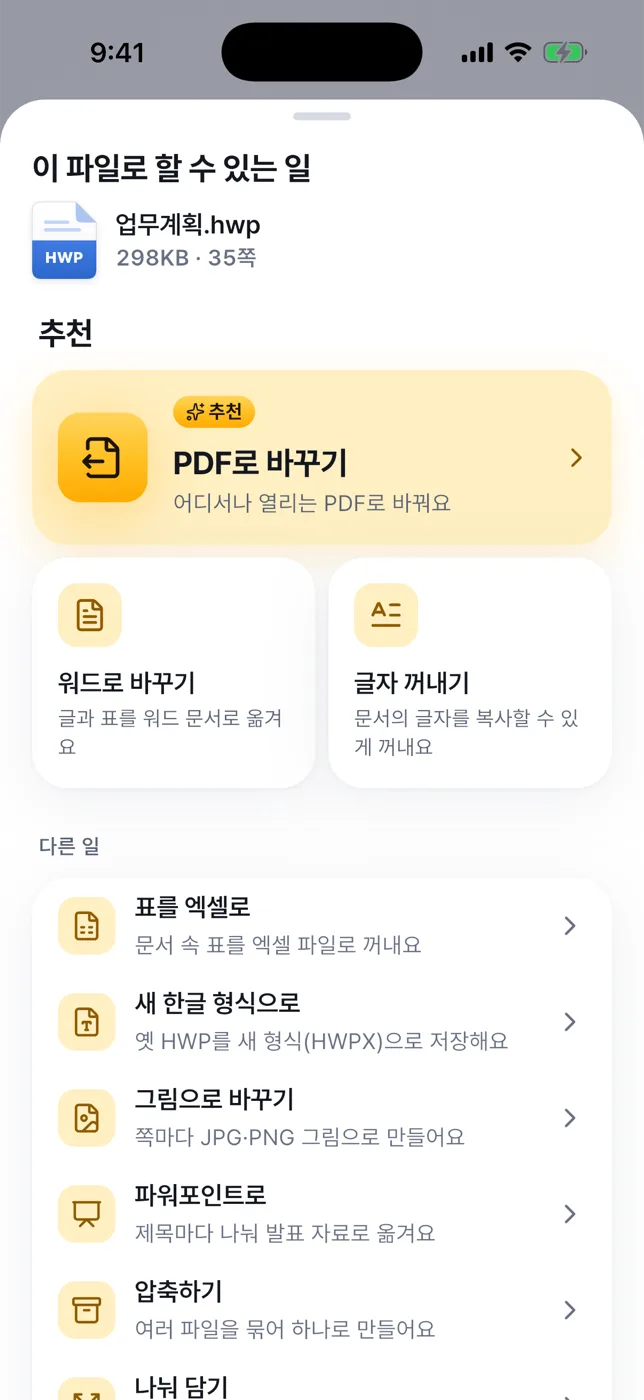
No menu digging. Pick a file and see what you can do with it, best matches first.

  • Merge, split and shrink PDFs; add page numbers or watermarks
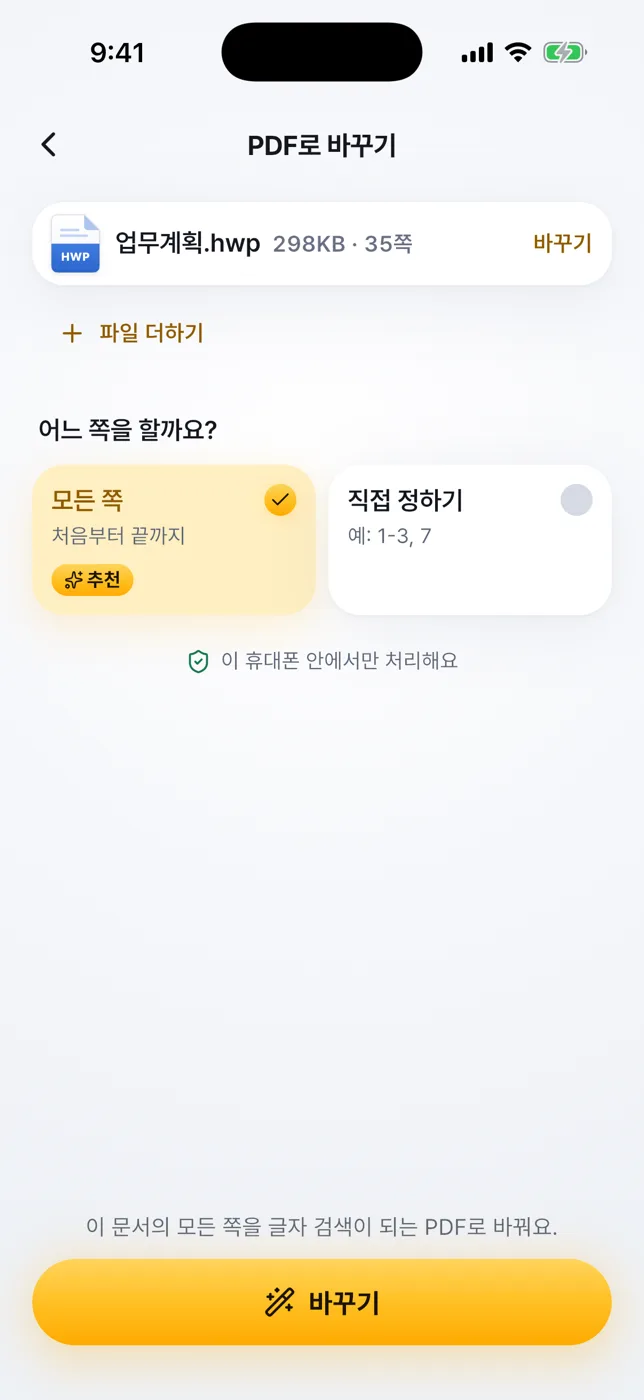
  • Turn HWP into PDF, Word, Excel, PowerPoint or images
  • Change photo format and size, shrink or trim video, zip and unzip
Give it a file, it suggests what to do

Edit documents right in the app

HWP, Word, Excel, PowerPoint and Markdown. Change the text, save as a new file, and formatting you didn’t touch stays put as far as possible.

  • Edit block by block; find and replace all
  • Sheets: cells, rows, columns, tabs and formulas
  • PDFs: place text and signatures on the page (the original text can’t be changed)
HWPWork plan.hwpSave
Paragraph 3

The meeting is on March 12 at 10 AM.

Turn paper into an editable document

Scan a page with the document scanner, and the app reads the text into a Word file. Scanned PDFs and photos work the same way.

  • Text recognition runs on your device
  • Text only: tables and images aren’t carried over
  • On Android, it uses the Google Play services scanner
Scan
DOCXEditable

Quick tools, no file needed

72 quick tools and 20 kinds of unit conversion, from tidying text to hashes and calculators.

  • Text cleanup
  • Data
  • Encoding & dev
  • Hash & security
  • Date & time
  • Random
  • Calculators
  • Unit conversion

Formats

The files you get,mostly covered.

The label shows what can be edited.

  • HWP

    Hangul documents

    HWPHWPX

    Edit
  • PDF

    PDF

    PDF

    Add text & signature
  • DOCX

    Word documents

    DOCXODTRTF

    Edit
  • XLSX

    Spreadsheets

    XLSXODSCSVTSV

    Edit
  • PPTX

    Presentations

    PPTXODP

    Edit
  • MD

    Text, data & code

    TXTMDLOGJSONYAMLTOMLXMLHTML

    Edit
  • EPUB

    E-books

    EPUB

    Edit
  • JPG

    Images

    JPGPNGHEICWEBPGIFAVIFBMPTIFFSVG

    View & convert
  • MP4

    Video

    MP4MOVMKVWEBMAVI3GP

    View & convert
  • MP3

    Audio

    MP3M4AWAVAACFLACOGGOPUSAIFF

    View & convert
  • ZIP

    Archives

    ZIPTARTGZ

    View & convert
  • TTF

    Fonts

    TTFOTF

    View & convert

Video and audio playback depends on the codecs your device supports. Distribution-only Hangul documents and legacy formats (.doc .xls .ppt) can’t be opened or edited yet. Other files show their details and can be sent to another app.

Screens

Easy to tap,clear at a glance.

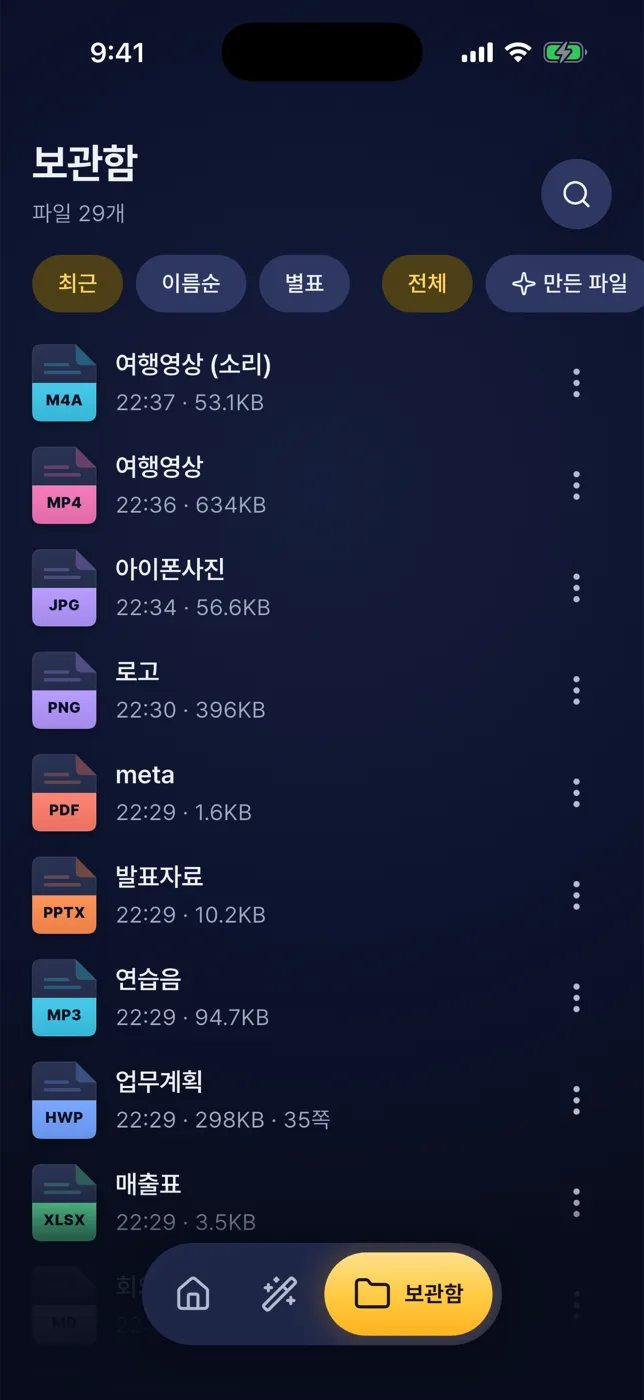
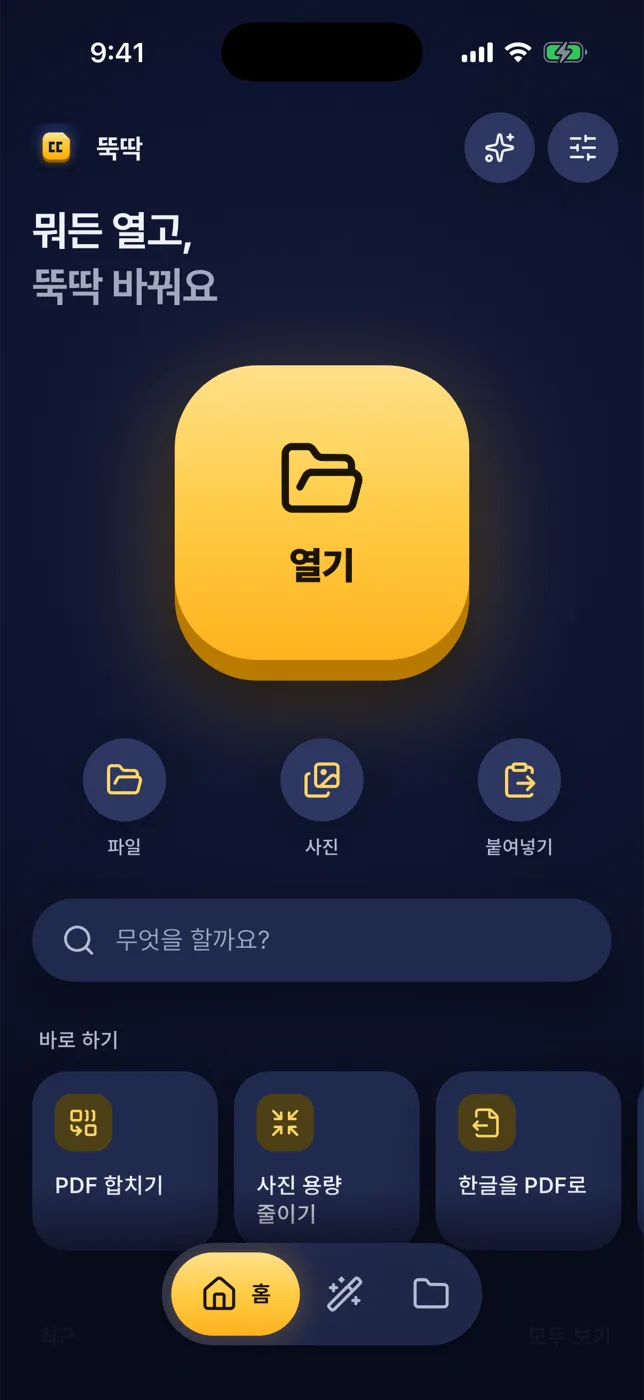
Start with one big button
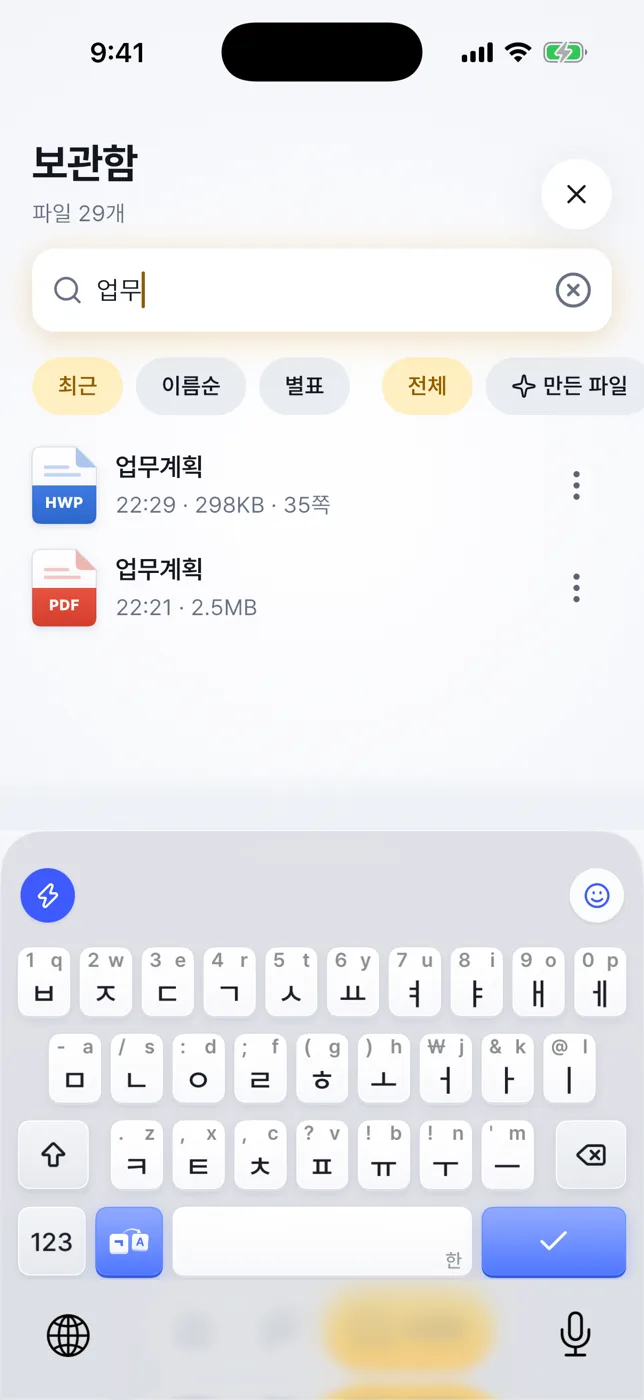
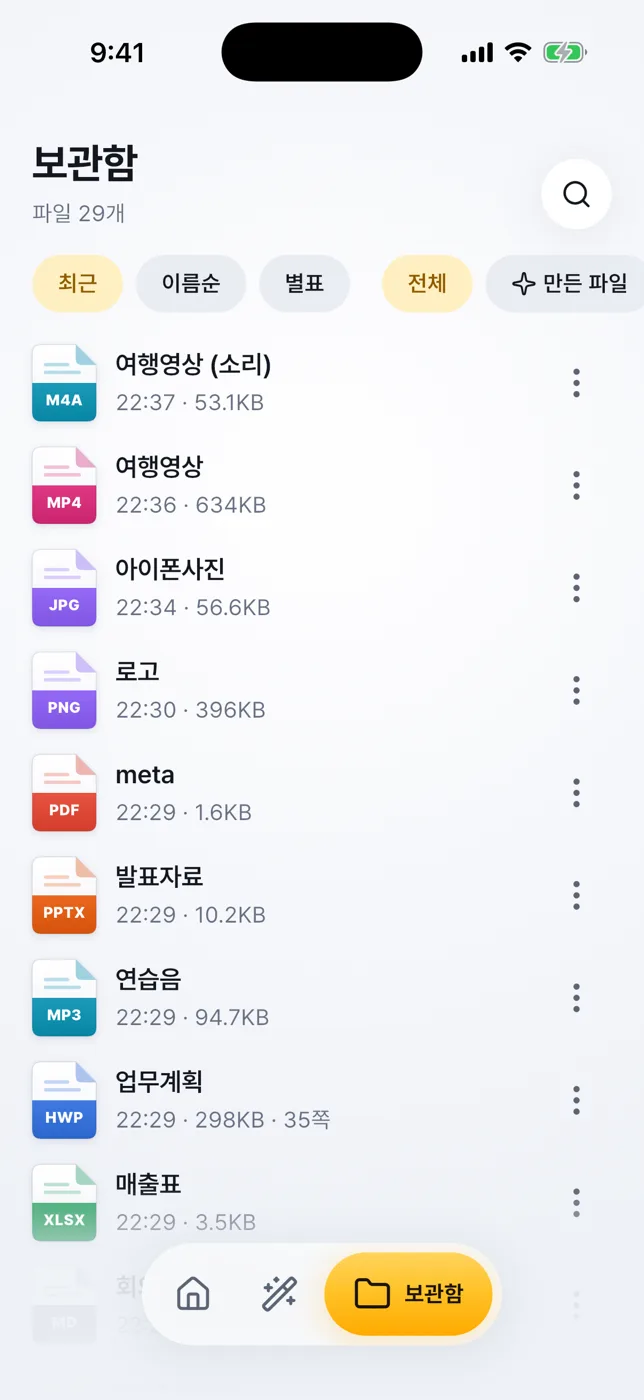
A library for your files
Find what to do
Find what to do
What you can do with this file
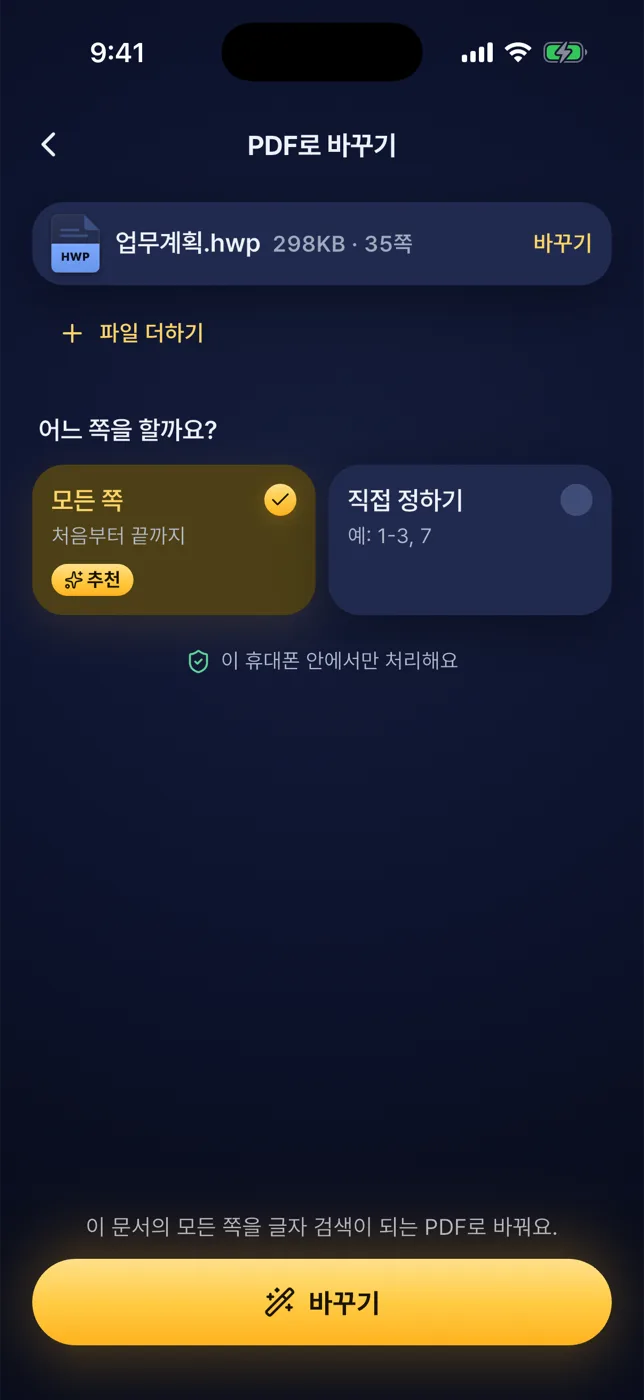
Choose, and it’s done

Ads & plan

Every feature is free.Ads are your call.

Subscribing doesn’t add features. It only removes ads.

  1. 1

    No ads for the first 7 days

    All features, no ads, for 7 days after first launch.

  2. 2

    Then banner and app-open ads

    Free users see Google AdMob ads. The launch ad is skipped when you open a file from another app.

  3. 3

    Ad-Free subscription

    Monthly or yearly. Yearly starts with a 7-day free trial for first-time subscribers.

Prices appear in your currency on the store payment sheet. Subscriptions renew automatically until cancelled, and you can cancel in the store.

FAQ

Questions,answered.

Is it free?

Yes, every feature is free. There are no ads for the first 7 days; after that free users see banner and app-open ads. An optional subscription removes them.

Do my files go to a server?

No. Documents are opened, converted and edited on your device. Our server is used only to verify the Ad-Free subscription and never receives document contents.

Which documents can I edit?

Hangul (HWP, HWPX), Word (DOCX), Excel (XLSX), PowerPoint (PPTX), ODT, ODS, ODP, EPUB, RTF, CSV, Markdown and text files. Changes are saved as a new file. On PDFs you can place text and signatures on the page.

What is HWP, and does it look like the original?

HWP is the Hangul word processor format widely used in Korea. Most documents keep their layout. Hancom-only fonts are replaced with free fonts, and some complex objects may look different. Distribution-only documents can’t be opened yet.

How does scanning work?

On iPhone, camera permission is requested only when you scan. On Android, the scanning screen comes from Google Play services, which may download a module on first use. Text recognition runs on the device, and only text is carried into the Word file.

How do I cancel the subscription?

iPhone: Settings › Apple ID › Subscriptions. Android: Play Store › Payments & subscriptions › Subscriptions. You stay ad-free until the current period ends.

Which languages does the app support?

The app’s screens are in Korean for now, so this page describes it in your language while the app itself shows Korean.